Module 3 · 8 steps
Sample quality control
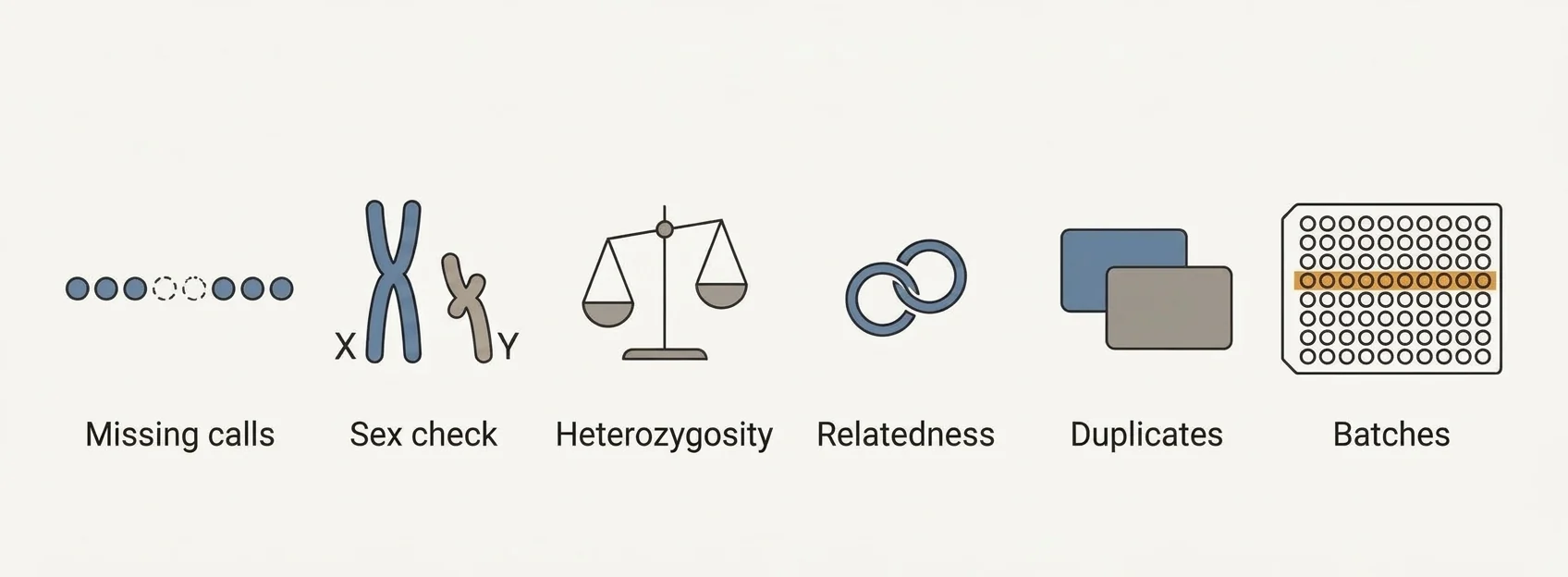
Find problem samples: call rate, sex, heterozygosity, relatives and batch effects.
In this module
- Before you start
- You need the full checkpoint at step 2.8. The first code chunk checks the files that this module needs.
- Where the module ends
- The checkpoint at step 3.8.
The notebook is a Quarto file (.qmd). Open it in RStudio from the project folder.
At a glance
What you will do. You will check the quality of every sample in the data. A sample is the DNA of one person. You will remove samples that are poor, mislabelled, repeated, related to another sample or measured on a faulty plate. At the end you will save a clean set of 1,844 samples.
What you will learn.
- How to find samples that failed in the laboratory.
- How to compare the recorded sex of a person with the sex shown by the DNA.
- How to find related people and repeated samples.
- How to find a plate that was measured badly.
- How to keep a record of every sample you remove, and why.
How long it takes. About 70 minutes. Step 3.6 is the slowest, because its rules for removing samples have the most detail.
Your progress: 0 of 8 steps done
Saved in this browser only. Nothing is sent anywhere.
Samples through module 3
Counts from the expected result of each step. The bar length is the share of the 2,016 wells that enter the module.
| Step | Check | Samples | Removed |
|---|---|---|---|
| 2.8 | Module 2 checkpoint | 2,016 | |
| 3.1 | Rough cleaning | 2,013 | −3 |
| 3.2 | Sample call rate | 1,971 | −42 |
| 3.3 | Recorded and genetic sex | 1,963 | −8 |
| 3.4 | LD pruning (no samples removed) | 1,963 | 0 |
| 3.5 | Heterozygosity | 1,950 | −13 |
| 3.6 | Relatedness and duplicates | 1,920 | −30 |
| 3.7 | Batch effects | 1,844 | −76 |
| 3.8 | Module 3 checkpoint | 1,844 | 0 |
The variant count stays at 296,360 from step 3.1 to the end of the module.
Steps
- 3.1Rough cleaningFirst we remove wells that were read very badly.
- 3.2Sample call rateWe keep only samples with a call rate of at least 98%.
- 3.3Recorded and genetic sexWe move the pseudo-autosomal regions (PARs) out of the rest of the X chromosome.
- 3.4LD pruningWe select a smaller set of autosomal variants that are less correlated with each other.
- 3.5HeterozygosityWe look for samples with too many or too few heterozygous calls.
- 3.6Relatedness and duplicatesWe estimate the kinship of every pair of samples.
- 3.7Batch effectsWe compare the call rate of each plate.
- 3.8Sample QC summary and checkpointCheckpointWe save the complete fileset that remains after all sample QC.
Recap
- Rough cleaning removed three wells and 150 variants. The 98% call-rate rule then removed 42 more wells, leaving 1,971 samples.
- The sex check removed eight flagged wells, leaving 1,963 samples.
- The pruned subset has 69,539 sites. The heterozygosity check removed 13 low-F wells and flagged eight high-F wells, which we kept. 1,950 samples remained.
- The kinship check found 19 duplicate-class pairs and ten first-degree pairs. We removed 30 records, leaving 1,920 samples.
- Plate P14 had a lower call rate than the other plates. We removed its 76 remaining wells.
- The module ends with 1,844 samples and 296,360 variants, saved as the checkpoint at step 3.8.
Next: Module 4 checks the quality of the variants (variant QC).